
How to Compress a Photo to Exactly 100 KB for Concours Applications
100 KB is one of the most common photo-size limits on Moroccan concours portals. Here's how to hit it without your ID photo looking blurry.
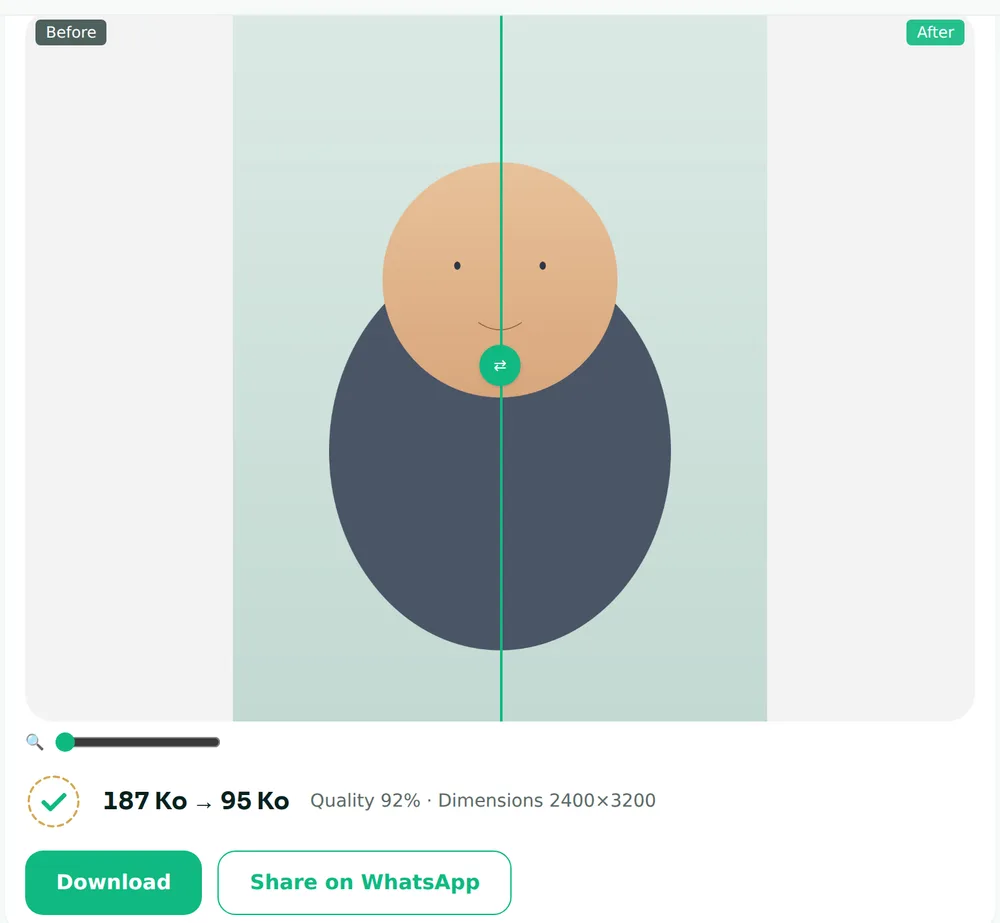
To compress a photo to exactly 100 KB, use a tool that automatically searches for the highest quality that still fits under your limit, rather than guessing with a quality slider — FileNorm's 100 KB compressor does this for free, entirely in your browser. This is also the fix for "why is my photo still too big after compressing it" — a generic photo editor guesses at one quality setting, while a target-size compressor tries several until it lands just under 100 KB.
100 KB shows up constantly on Moroccan administrative and concours portals — it's small enough to keep their servers light, but it's an oddly strict number to hit by hand.
Why "just lower the quality" doesn't work well
If you compress a JPEG in a generic photo editor by dragging a quality slider, you're guessing. Drag too little and the file is still 140 KB — rejected. Drag too much and you get visible blocky artifacts around your face in an ID photo — also often rejected, for looking unofficial.
What you actually want is: the highest quality that still fits under 100 KB, found automatically.
The reliable method
- Start from the original photo, not a screenshot or a WhatsApp-forwarded copy (WhatsApp already compresses images, so you're compressing an already-lossy file — quality drops fast).
- Use a tool that does a binary search for quality: try 90%, check the size, adjust, repeat, until it lands just under your target — FileNorm's 100 KB compressor does exactly this.
- If quality alone can't get there without looking bad (common with very high-resolution originals), the tool should downscale dimensions slightly as a last resort — not just crush the quality further.
A few things that quietly inflate file size
- PNG instead of JPEG. PNG is lossless, which is great for screenshots and terrible for photos — a portrait photo saved as PNG can be 5–10x larger than the same photo as JPEG for no visible quality gain. See our PNG vs JPEG guide.
- Uncropped photos. A full-body shot cropped down to a passport-style headshot compresses far better than the same headshot buried in a huge uncropped frame.
- HEIC originals. iPhones save photos as HEIC by default, which some portals won't even accept as a format, size aside. Convert to JPG first.
Quick checklist
- [ ] Start from the original camera photo, not a resend
- [ ] Crop to just the photo the portal wants (ID photo, signature, etc.)
- [ ] Convert HEIC → JPG if needed
- [ ] Compress to the exact KB limit, not "small enough"
- [ ] Re-check the result before submitting — does it still look like you?
All of this runs locally in your browser at filenorm.com — your photo is never uploaded anywhere during compression.