
Official ID Photo at Home, Without a Studio
You don't need a photo studio for a compliant ID photo — a plain wall, decent light, and the right crop get you most of the way there.
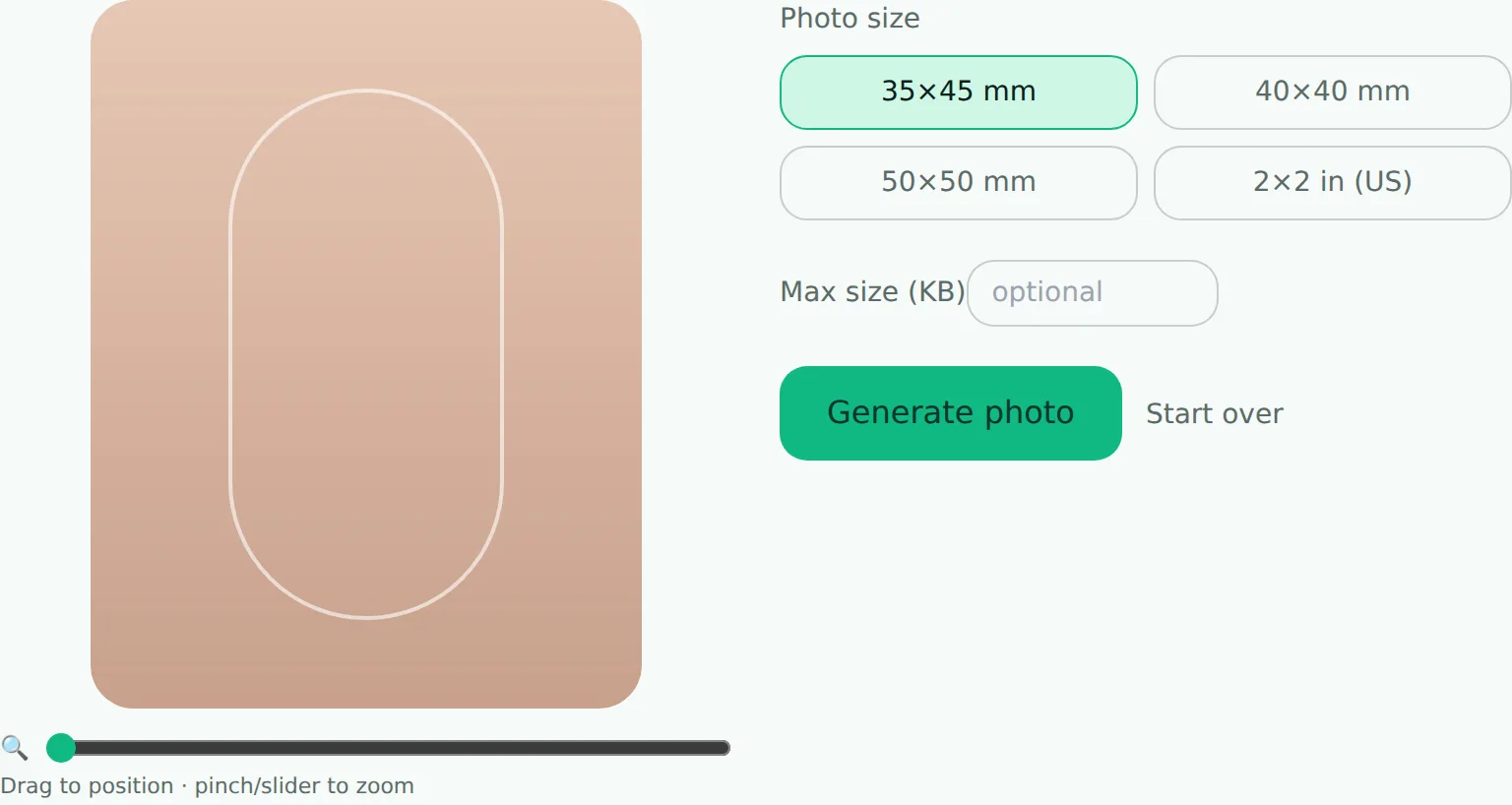
To get a compliant ID photo at home, take it against a plain, evenly lit wall, then crop it to the exact dimensions your portal requires using an ID photo tool with a head-alignment guide — no studio needed. The guide oval shows exactly where your head needs to sit before you download, so you can check the framing is right before submitting.
Most Moroccan concours and administrative applications ask for an ID-style photo — plain background, specific dimensions, neutral expression — and paying for a studio photo just to satisfy a file upload is overkill for something you can get right at home in ten minutes.
What you actually need
- A plain, evenly lit background. A blank wall works. Avoid textured backgrounds, shadows cast behind you, or anything busy. White or light gray reads as most "official," but check if the portal specifies a color.
- Even lighting on your face. Face a window during the day rather than using a single harsh lamp from one side — natural, diffused light avoids harsh shadows under the eyes or on one side of the face.
- A neutral, direct expression. Look straight at the camera, mouth closed, no strong smile — this isn't a personal preference thing, it's what most official photo standards actually require.
- Someone else holding the camera, or a tripod/timer. A photo held at arm's length distorts your face slightly and is usually obvious to a reviewer.
Getting the crop and size right
Once you have a decent photo, two things usually need fixing before it's submission-ready:
- Crop to the required dimensions. Official photos are often specified in exact measurements (e.g. 35×45mm) — an ID photo tool that crops to those exact proportions and composites a clean white background does this in one step, without needing photo-editing software.
- Compress to the size limit. A phone photo at full resolution is far larger than any portal wants — compress it to the exact target the form specifies.
What tends to get photos rejected
- Visible shadow behind the head from an off-center light source
- Background isn't actually plain (a door frame, a picture on the wall, clutter)
- Photo cropped from a wider shot, leaving odd proportions or the wrong aspect ratio
- File way over the stated size limit, uploaded straight from the camera roll
None of these require special equipment to fix — just attention to a few details, and a proper crop-and-compress pass before you upload.